LUNA _ SpiderBot
Made with Substance Painter
Luna means “moon” in latin. And the number “6” means “fantastic” in Chinese culture.
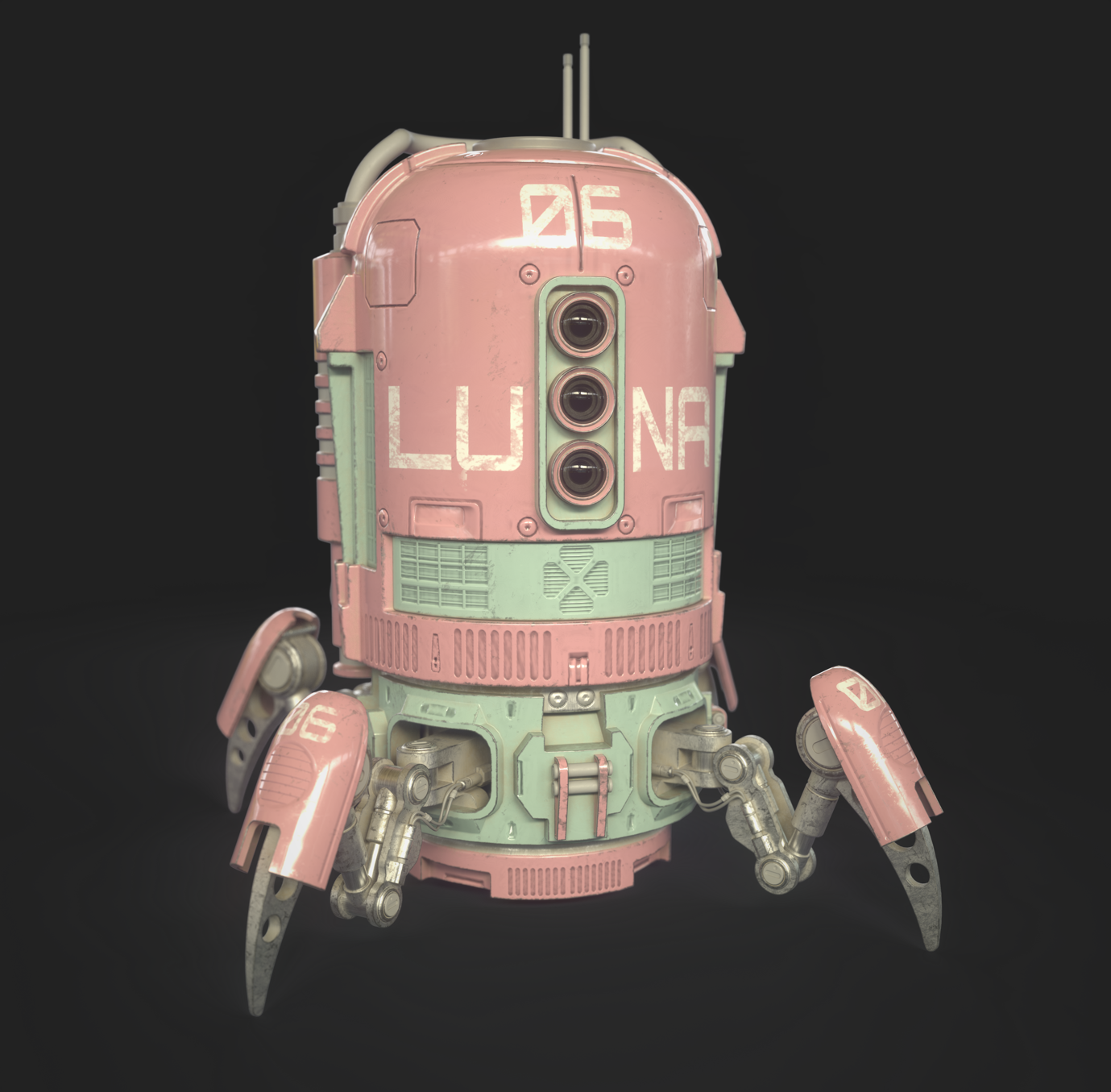
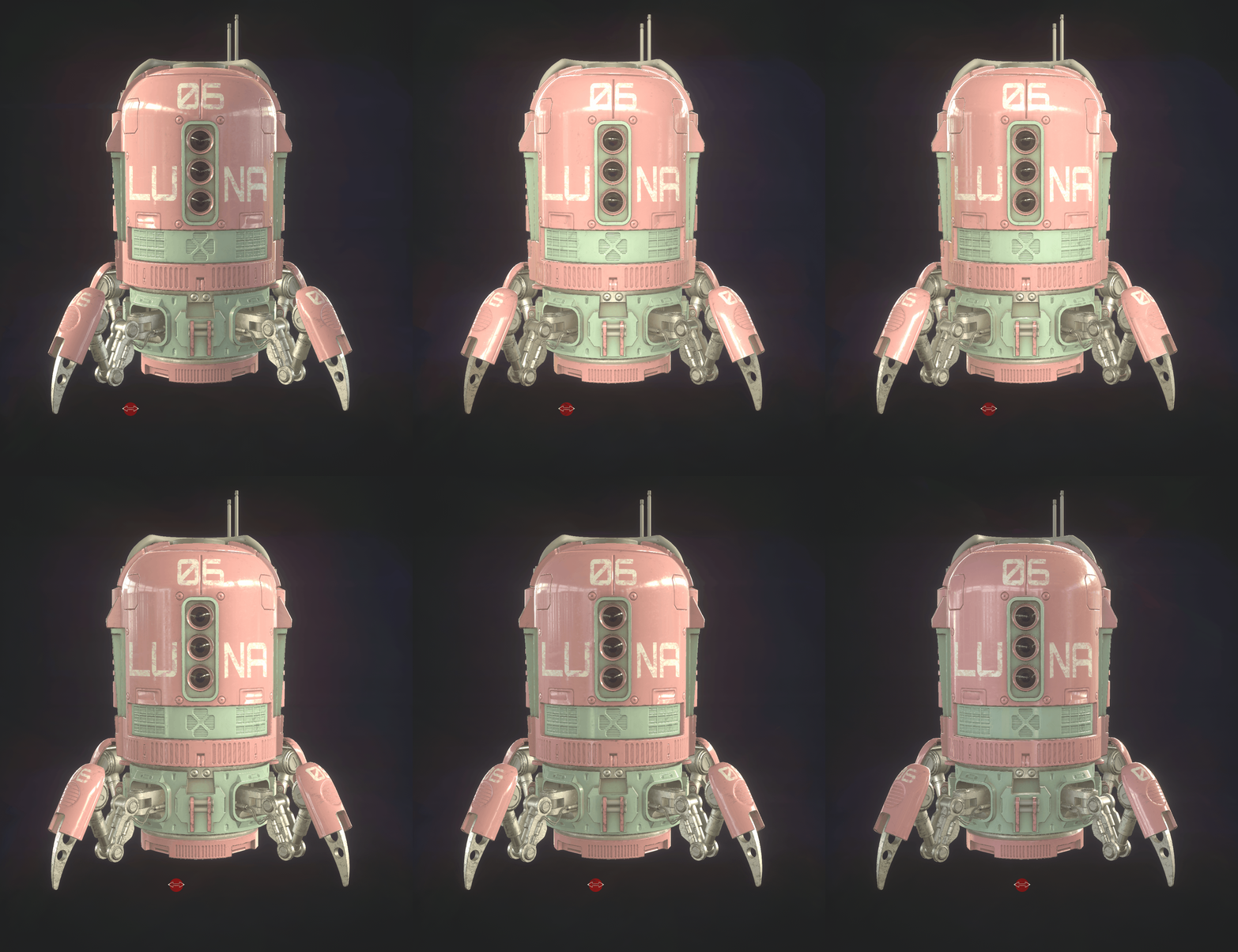
A substance painter texturing and rendering practice. Found this tutorial of PBR texturing but with a different approach aesthetically.

The tutorial made its shell into metal, but it doesn’t strike me as something metallic, at least not mainly. I was playing CyberPunk2077 at the time when I made it so I was picturing it as something I’ve seen in the gameplay. And I thought the surface should definetely look plastic-ish or some kind of polymer-like, in a word, artificial. At least coated that way.
And then I did a little dive into the PBR study.
Well, PBR(Physically Based Rendering) is quite hard to explain in a few words. It’s essentially a very realistic lighting simulation because it’s literally based on real physics equations. But it’s a lot simpler and helpful to just learn a few things about the right way to utilize it as a technical artist.
Here are two blogs I found really well explained some tips a techinal artist needs to understand about PBR which I will also talk about how I made this robot based on some of these informations.
https://blog.teamtreehouse.com/beginners-guide-physically-based-rendering-unity
Physically-Based Rendering tries to mimic how real-world light interacts with real-world materials.
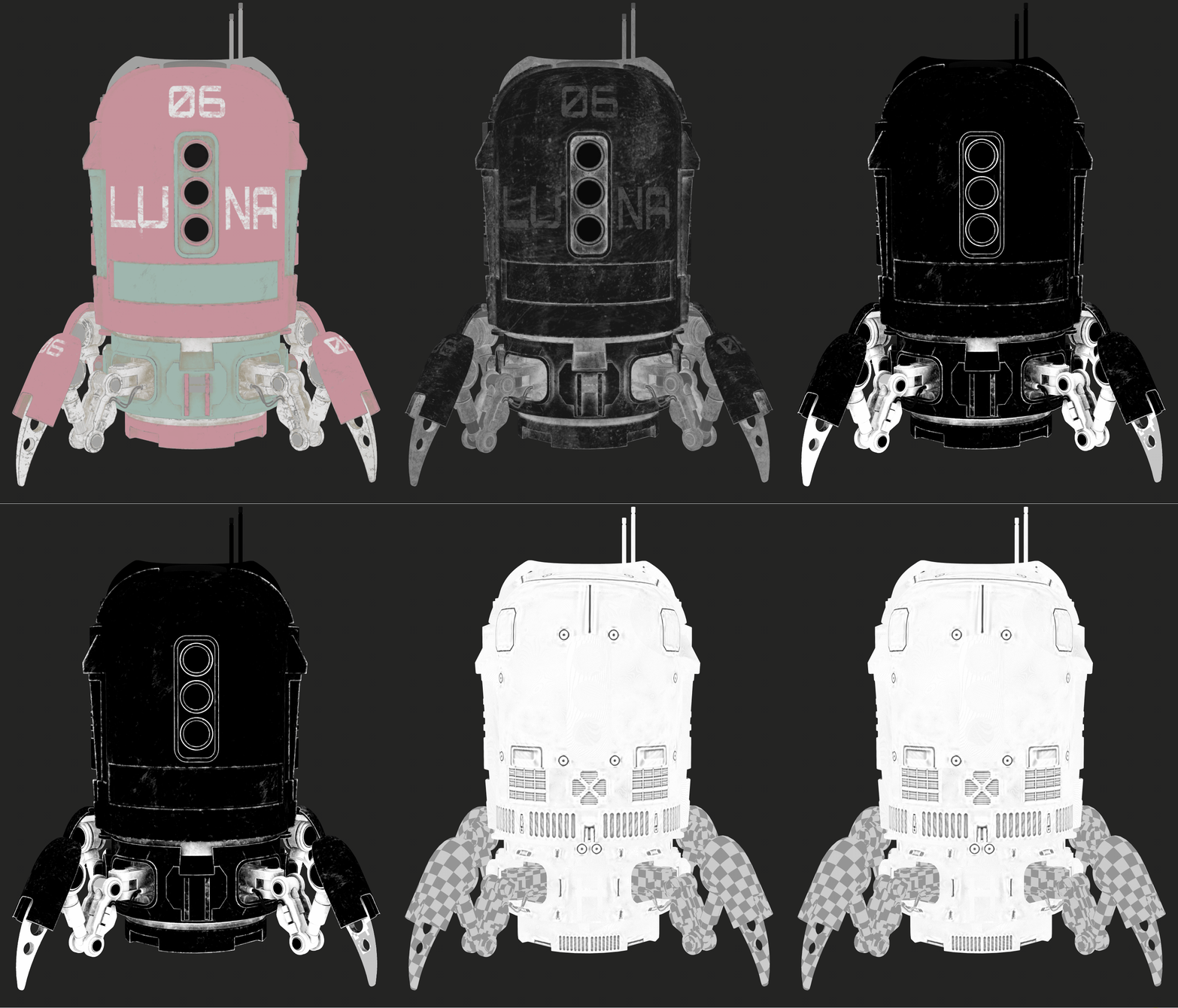
But real materials aren’t just one uniform thing, the core squad that makes the rendering physically based is the following maps:
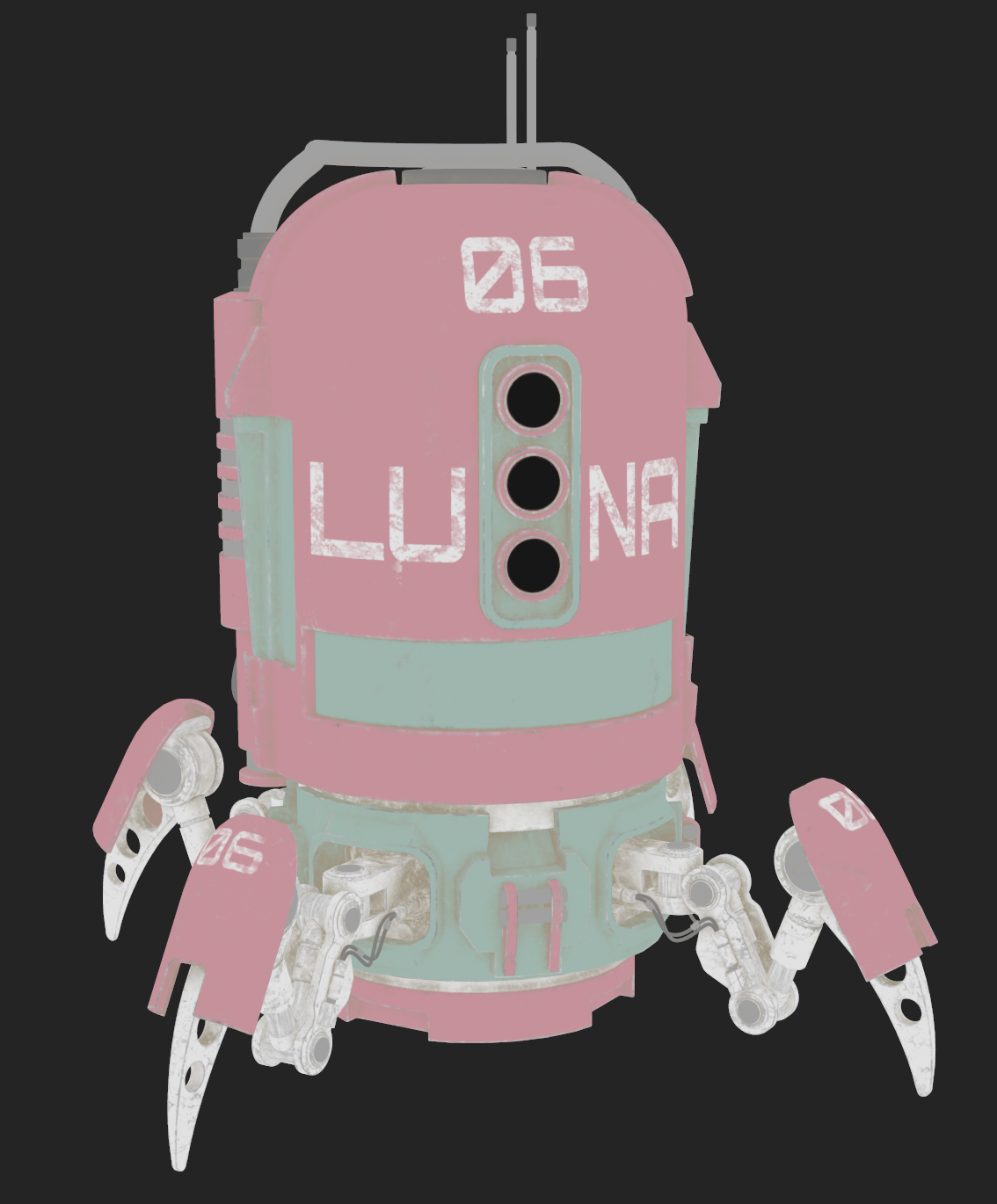
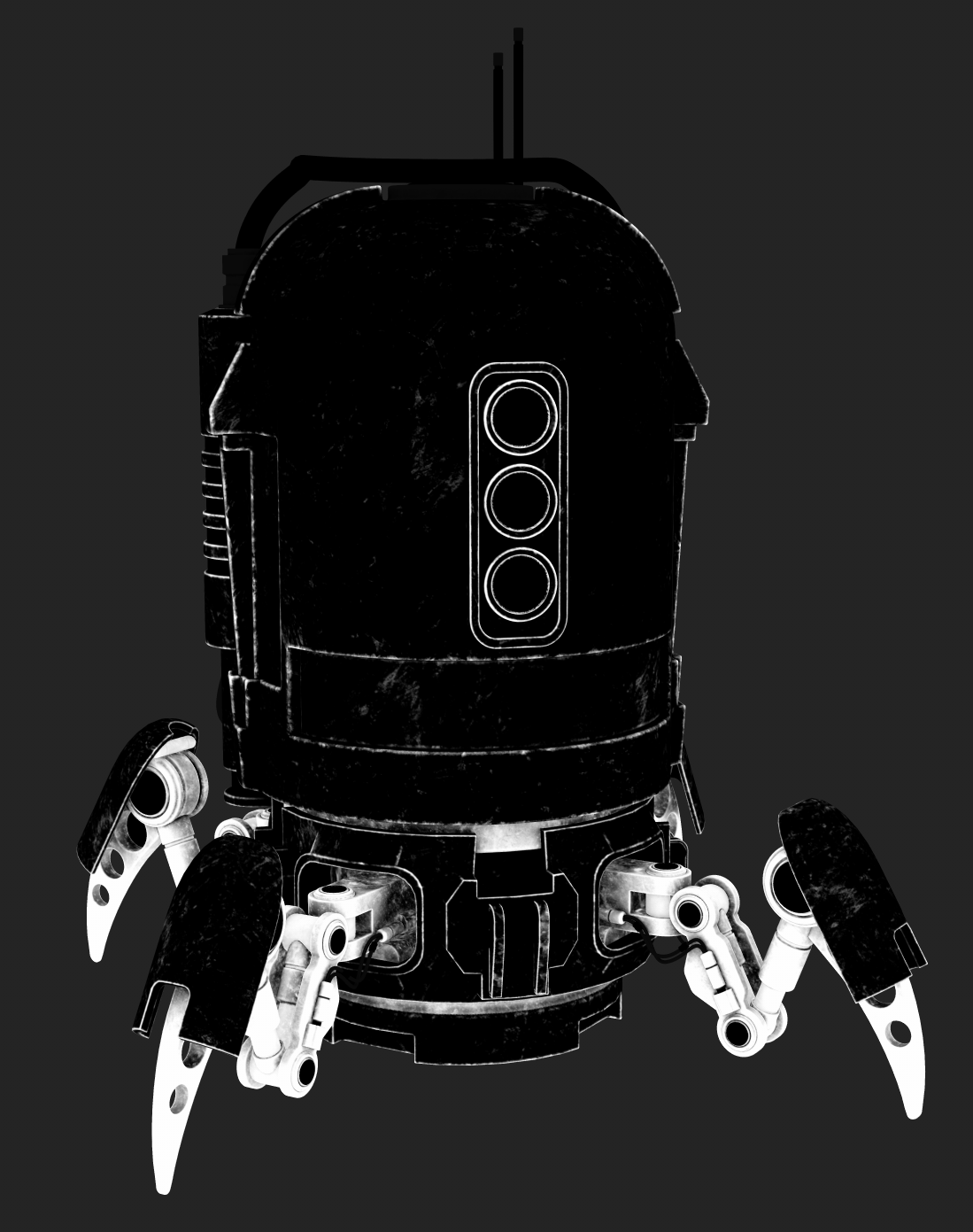
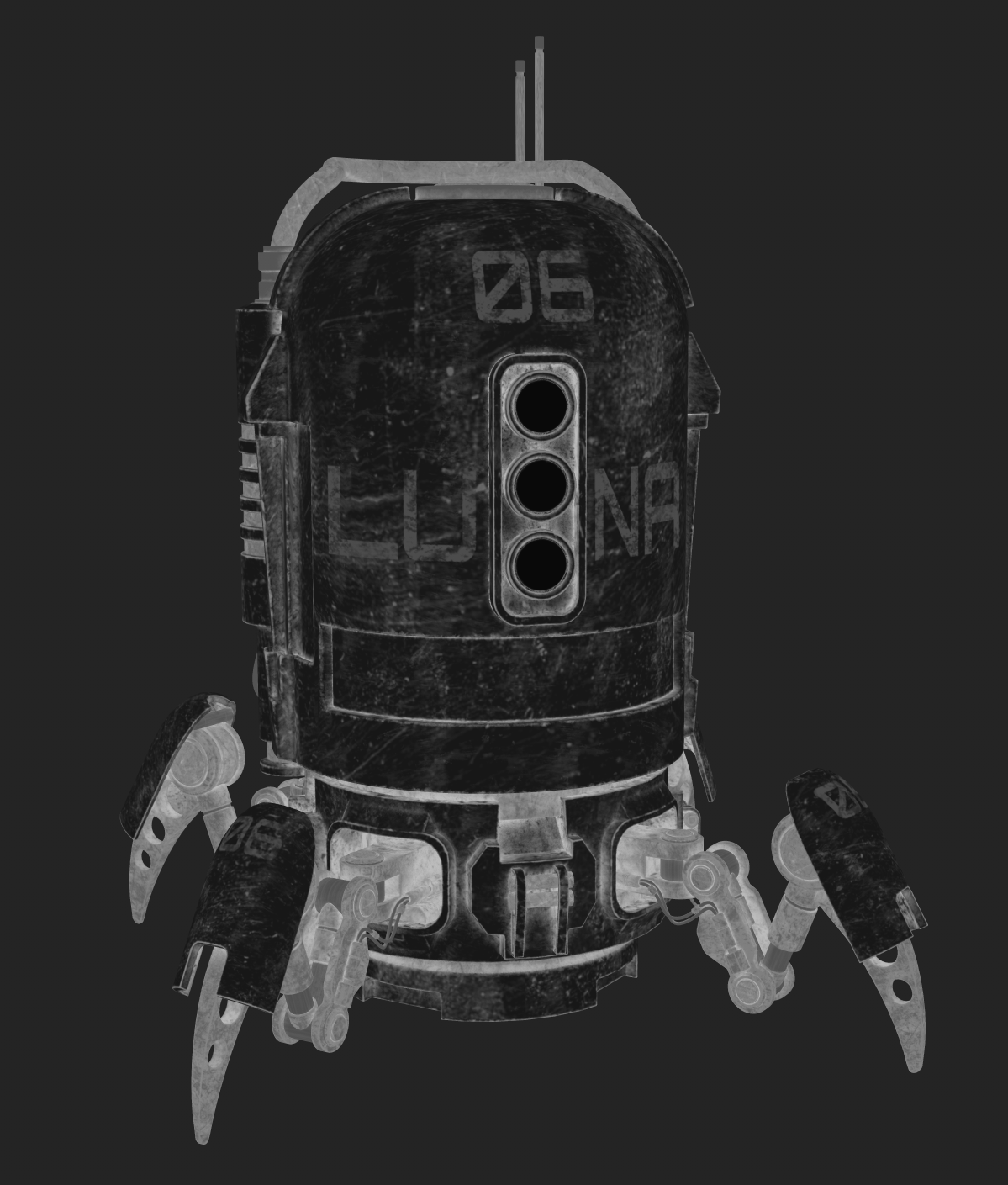
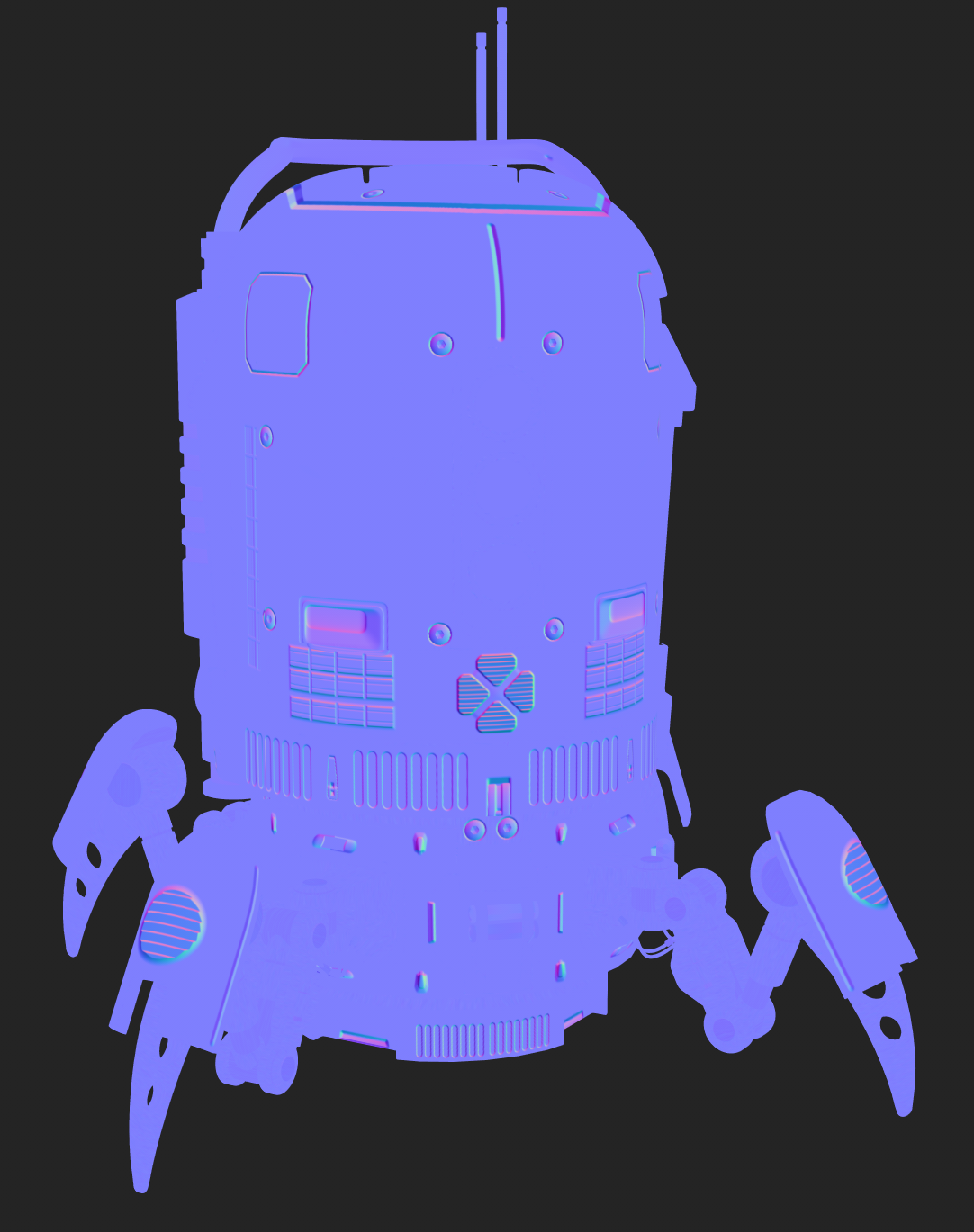
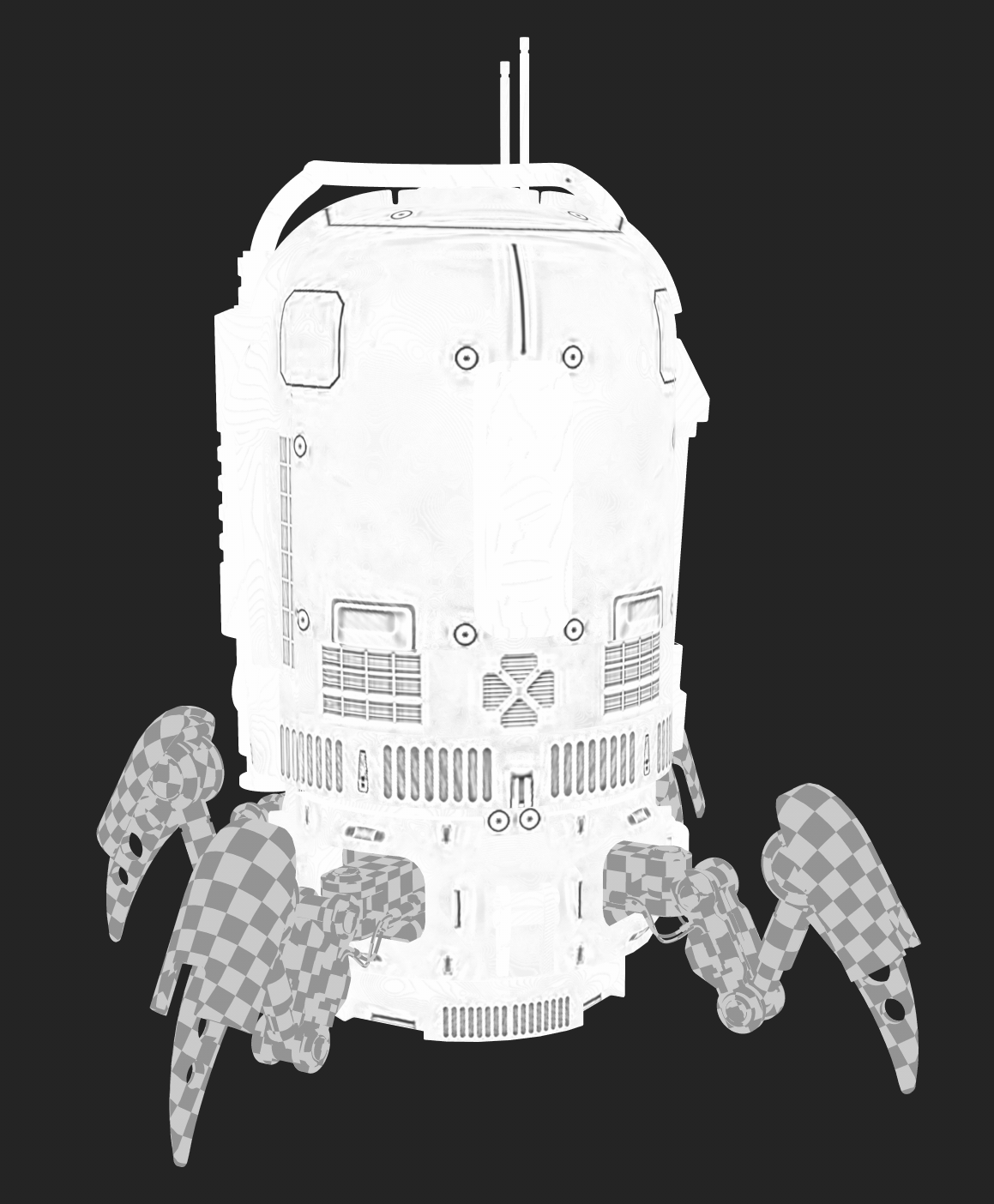
Albedo(Base Map):
Defines the raw color of the material without shadows or lighting baked in.
Metallic:
Tells the renderer which parts of the material should behave like a metal. That’s also a key watershed for PBR — it’s either metal or not. White is metal and black is non-metal, with some grayscale for dirt or wear transitions. Metal reflects almost all light and take its reflection color from base map. But non-metals keep colored albedo and have more diffuse lighting.
Roughness:
Controls how smooth or matte the furface is, which directly influence how reflections appear. The smoother, the more mirror-like, vice versa.
Normal:
This map fakes tiny surface details by changing the light’s bouncing direction. Obviously it’s unrealistic to model every little bump on the mesh, thus normal map can solve this with just three channels(RGB)
Ambient Occlusion(AO):
Adds subtle shadows in crevices where light can barely reach. Real light bounce around so muchon different surfaces. AO darkens edges, cracks to make the object look more 3D.
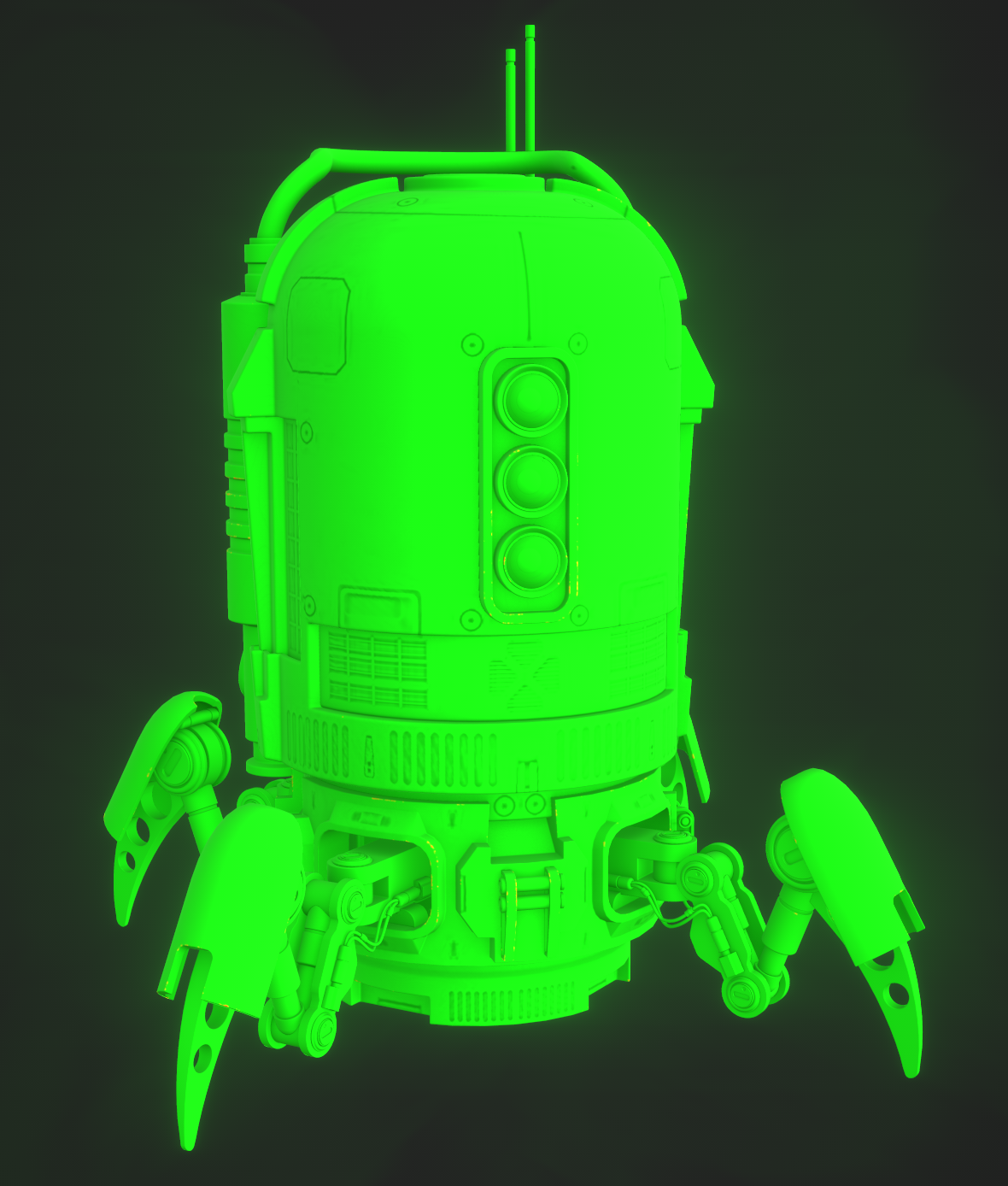
In Substance Painter there’s a component called PBR Validate that ensures the work is physically accurate, where anything that’s not accurate will appear as red. If accurate then green. I managed to pass with all green after adjusting the base color output value of a few places! :)